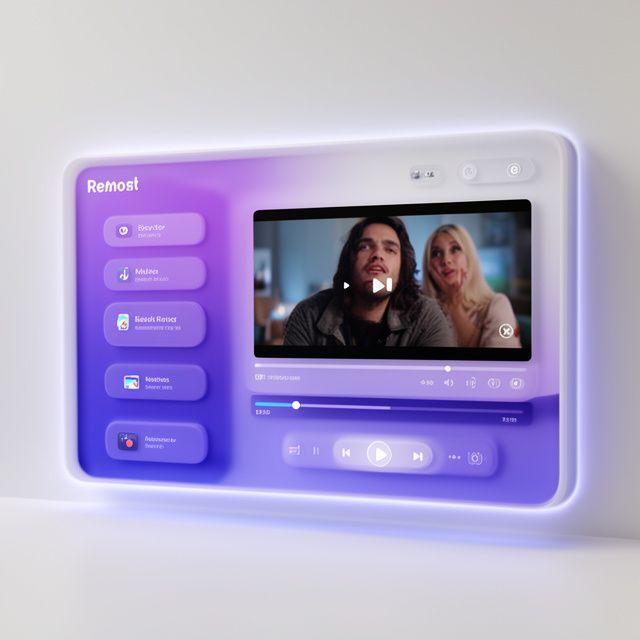
Next-Generation Media Playback Solutions
NovaStream Systems builds advanced video and audio codecs, streaming pipelines, and interactive UIs for the future of entertainment technology.
Pioneering the Future of Playback
At NovaStream Systems, we believe that media consumption should be seamless, high-fidelity, and universally accessible. Based in New York, we engineer the core technologies that power today's most demanding streaming platforms.
Our multimedia playback software bridges the gap between complex compression algorithms and interactive user experiences, delivering flawless video and audio globally.
Our Core Services

Advanced Video Codecs
High-efficiency video coding solutions that reduce bandwidth without compromising on ultra-high-definition visual quality.

Audio Engine Optimization
Spatial and lossless audio playback engines designed to offer immersive soundscapes across diverse hardware arrays.

Low-Latency Streaming
End-to-end streaming architectures optimized for real-time interactivity and minimal buffer overhead on variable networks.
Interactive UI Architecture
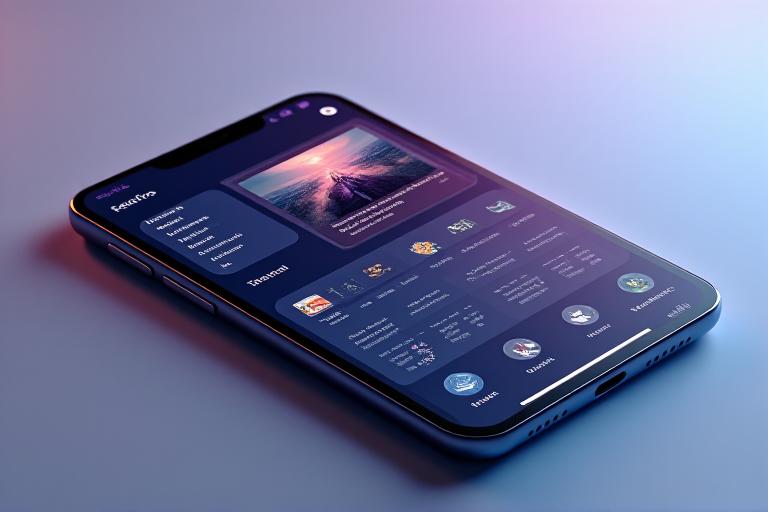
Beyond backend codecs, NovaStream Systems specializes in frictionless, responsive user interfaces that elevate the end-user experience across desktop, mobile, and smart TV platforms.
- Hardware-accelerated rendering mapping
- Dynamic adaptive streaming over HTTP (DASH)
- Customizable control layers and scrubbers
- Multi-DRM support integration
"Integrating with NovaStream Systems's playback engine reduced our mobile app buffering by 40%. Their codec support and interactive UI overlays are unparalleled in the media tech space."

Developer Documentation
Implement our multimedia solutions seamlessly with comprehensive guides, SDK libraries, and API references tailored for modern tech stacks.
Web Player SDK Quickstart
Integration Guide
Audio Codec API Reference
Technical Specs
Cross-Platform UI Theming
Design Documentation
Partner With NovaStream Systems
Ready to elevate your media technology? Reach out to our New York engineering team.